Scratch Junior — first steps in programming through creativity and play
Your child creates their own games and cartoons: inventing stories, drawing characters and game worlds, programming their behaviour and presenting their projects.
What your child will learn
Create their own cartoons and simple games in ScratchJr
Build sequences of actions and create their first algorithms
Use events and loops in visual programming
Invent stories, characters and game worlds, developing imagination and creativity
Find errors, try different solutions and achieve the desired result independently
Talk about their ideas and present a finished project
What your child will create
Animated fairy tale
An original cartoon with characters, backgrounds and a simple plot.
Simple game
A game with character controls, rules, sounds and fun effects.
Interactive greeting card
A project that responds to the child's actions and turns a greeting into a little interactive story.
Final project
The child's own idea, turned into a finished game or cartoon.
Course programme
First algorithms
Get to know ScratchJr, characters and backgrounds. Learn to sequence commands and control movement.
Animation and stories
Create original characters and backgrounds, bring characters to life, add dialogue and build a coherent plot.
Events and loops
Learn to trigger actions with events, repeat commands and create more complex character behaviour.
Creating games
Add controls, character interaction, game rules, sounds and effects.
An original project
The child comes up with an idea and creates their own game or cartoon using the tools they have learnt.
Presentation
Learn to talk about an idea, explain how a project works and present the result to the group and parents.
More than just playing on a tablet
Creates, rather than consumes
The child doesn't just play ready-made games and watch cartoons — they invent and create their own.
Develops logical thinking
To make a character do what you intend, you need to sequence actions, check the result and find errors.
Builds imagination and communication
Invent characters and plots, and learn to tell a story in order and explain an idea.
Learns to see things through
From the first idea and drawing to a working game or cartoon they can show friends and parents.
Who is this course for?
- ✦Children aged 5–8 who enjoy games, cartoons, drawing and stories
- ✦Children who love inventing characters, plots and their own worlds
- ✦Children interested in tablets and games — whose parents want them to create, not just consume
- ✦Children preparing for school or already at school who want to develop logic, attention and the ability to express thoughts in sequence
Is previous experience needed?
No previous experience is needed. The course starts from scratch: from first commands and simple algorithms to an original game or cartoon. It is also suitable for 8-year-olds who have not studied programming before.
What to learn next
Scratch
The next step: visual programming in Scratch, more advanced games and projects.
Student projects
First projects by young programmers: cartoons and games created in Scratch Junior lessons.
Teachers

Ruslan Smirnov
Graduate of the School of the Faculty of Mechanics and Mathematics at Lomonosov Moscow State University. Holds a teaching diploma from HSE University. Over 5 years' experience working with children in Australia, Serbia and Russia.

Andreas Vasileiadis
RoboLab teacher.
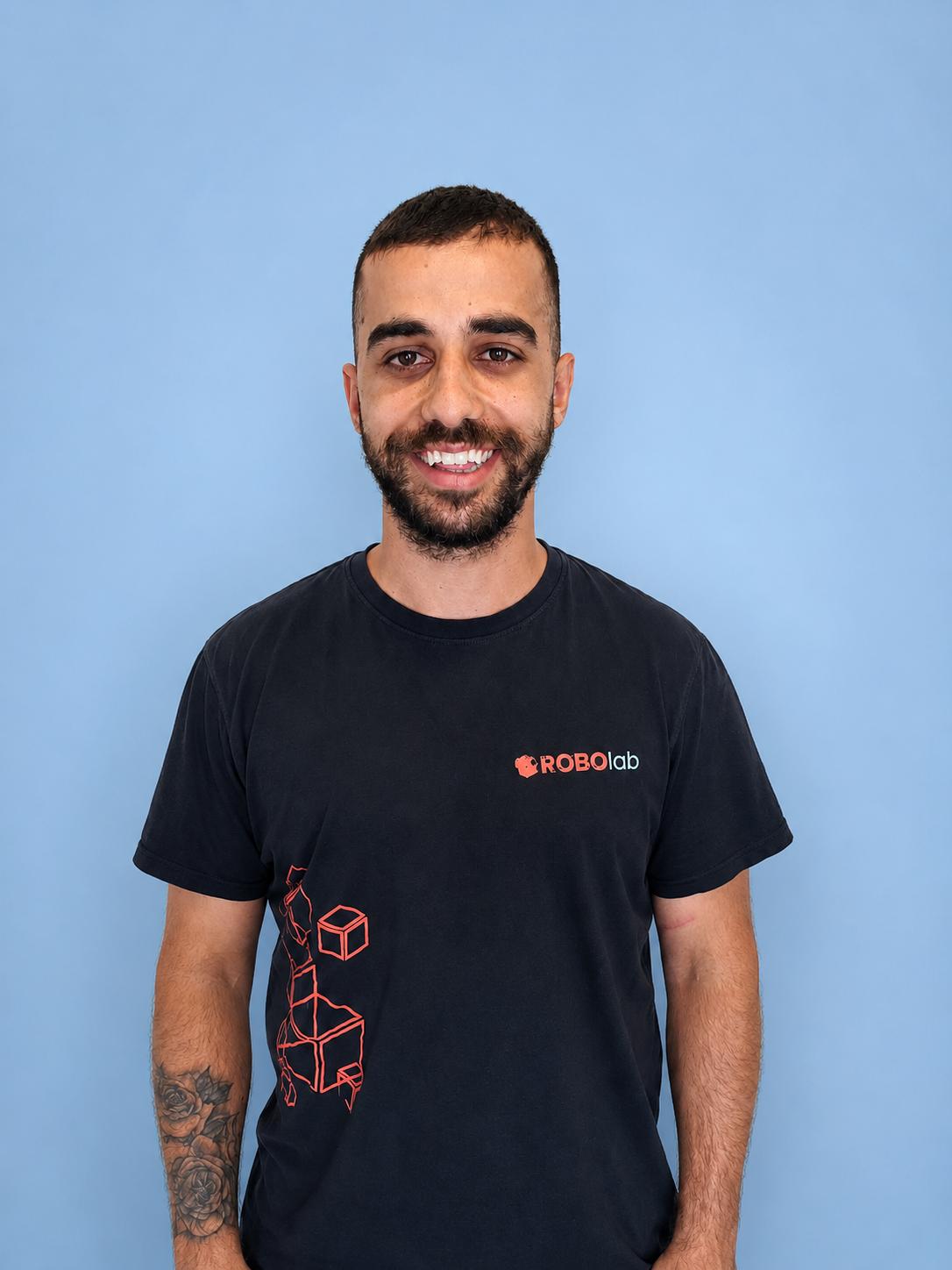
Tasos Stylianou
RoboLab teacher.
What families say about Scratch Junior — first steps in programming through creativity and play
«Maxim now invents stories by himself and shows us his cartoons. The lessons are relaxed and full of smiles.»
«The Scratch Junior course gave Sofia confidence with tablets — she now creates little games and explains how they work.»
«Nikos looks forward to every lesson. He has become more attentive and structured in his thinking.»
Try Scratch Junior — first steps in programming through creativity and play
Free and with no obligation: your child tries the course, the teacher assesses their level, and you receive a recommendation for their learning pathway.