Visual programming with Scratch
Our Scratch course is the best start in programming. It lays a strong academic foundation and develops algorithmic thinking. When children move on to more advanced languages, they understand them better and learn them faster.
What your child will learn
Children learn the basics of programming: creating algorithms, using loops and events, and controlling characters.At the end of the module, they apply what they have learnt and create their first independent Scratch project.
Children learn to navigate space: working with coordinates, direction of movement, turns and degrees.They learn how characters interact and create their own Scratch cartoon.
Students learn to work with the AND, OR and NOT conditional operators, then apply this knowledge to create their own game.They learn to plan a project, test it, find errors and present the finished game.
Learn to create more complex game logic: use conditional loops and random events, and control objects in different areas of the game space.Finish by making a team project.
Students learn about variables and data types and how to use them to create more complex, interactive programmes.At the end of the module, each student develops their own chatbot, tests it and presents the finished project.
Take part in the RobolabChallenge competition, presenting and defending the project before a jury
Student projects
From first simple projects to original games — see what students create in Scratch lessons.
Course programme
Getting to know Scratch
Interface, sprites, scenes and a character's first movements.
Algorithms and loops
Learn to repeat actions and make decisions in code.
Events and coordinates
Create controls, collisions and object animations.
Project work
Develop an original game or story on a given theme.
Final project and presentation
Finish the project, present it and receive feedback.
AI on this course
AI as an idea assistant
The student outlines a project idea and explores the character or story options AI might suggest.
Generating references
Use AI to quickly sketch backgrounds and sprites, which are then created by hand.
Checking the logic
Learn to ask AI precise questions about an algorithm and compare its answers with your own solution.
Without replacing independent thought
Students create the key algorithms and project structure themselves — AI only offers suggestions.
Who is this course for?
- ✦Children interested in computer creativity who are not yet ready for text-based code
- ✦Children who want to create their own games and cartoons
- ✦Children who enjoy drawing, inventing stories and solving puzzles
- ✦Children planning to study Python, Roblox or Unity in the future
Is previous experience needed?
No previous experience is needed. The course starts from scratch: the first lessons introduce Scratch, simple movement and animation. If a child has already tried Scratch, we assess their level at the introductory lesson and start with the appropriate module.
What to learn next
Roblox Game Dev
The next step: creating 3D games in Roblox Studio and getting to know text-based coding with Lua.
Teachers

Anton Khozyashev
IT teacher at RoboLab. Teaches Scratch, Roblox, Python, robotics and web development, helping children and teenagers explore technology through projects and creativity.

Ruslan Smirnov
Graduate of the School of the Faculty of Mechanics and Mathematics at Lomonosov Moscow State University. Holds a teaching diploma from HSE University. Over 5 years' experience working with children in Australia, Serbia and Russia.

Andreas Vasileiadis
RoboLab teacher.
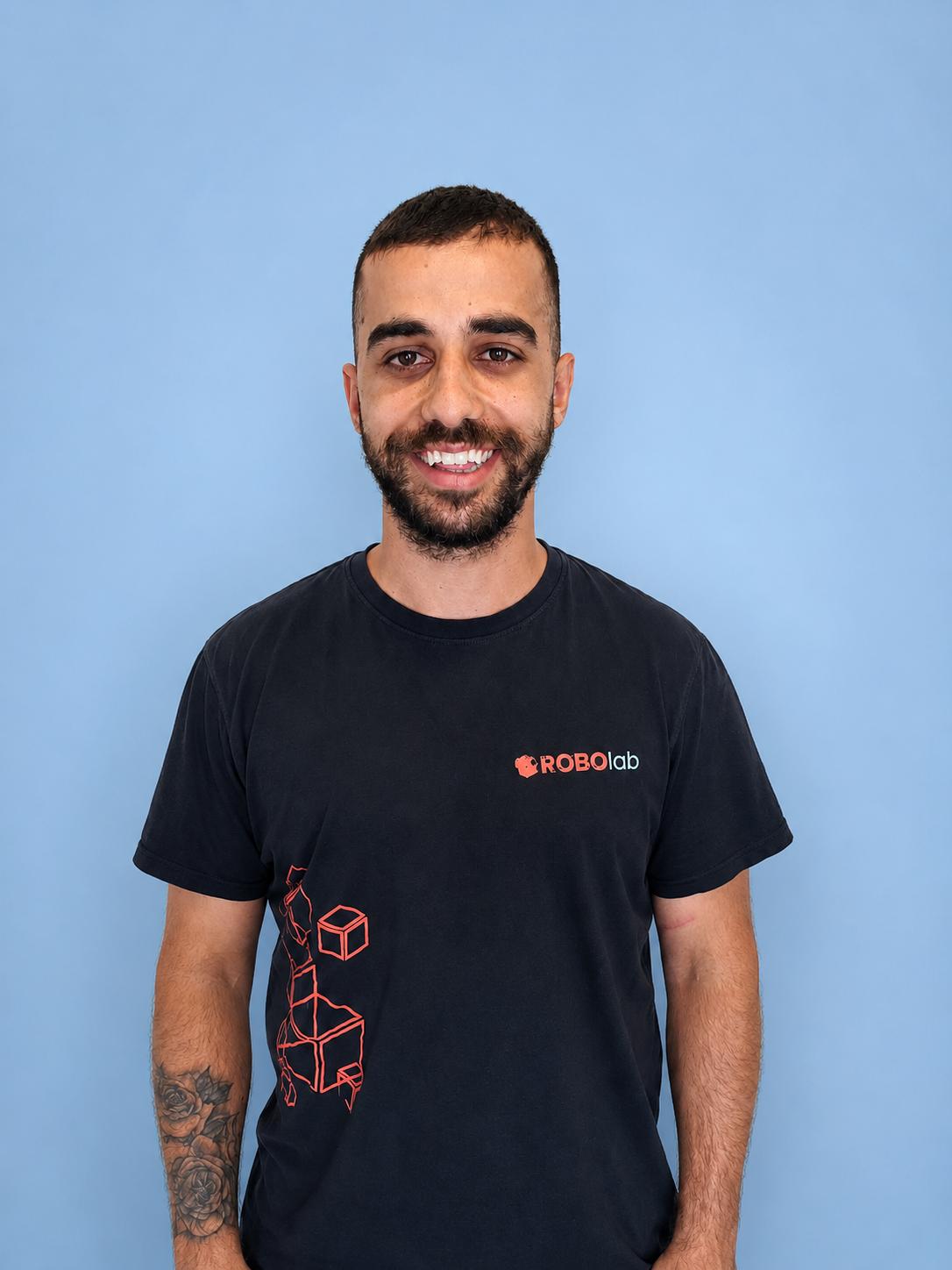
Tasos Stylianou
RoboLab teacher.
What families say about Visual programming with Scratch
«My son has been attending robotics, Scratch Junior and Scratch courses at Robolab for three years now. His interest in the classes has only grown during that time. He always looks forward to lessons and literally runs to them. We really like the atmosphere at the school: a comfortable, well-equipped classroom and a friendly, supportive environment. Special mention goes to the teacher, who knows how to engage children, explains the material clearly and sustains their interest in programming. Thank you, Robolab, for high-quality teaching and for inspiring children to love programming!»
«A great place! Each of my two children found an interest here. Pleasant, welcoming teachers, an engaging programme and a convenient location.»
«A great place! My child has been coming for the second year and is very happy!»
Try Visual programming with Scratch
Free and with no obligation: your child tries the course, the teacher assesses their level, and you receive a recommendation for their learning pathway.