Roblox Game Development and Lua Programming
Your child will learn to create their own game worlds in Roblox Studio: designing levels, programming mechanics in Lua and publishing projects they can play with friends.
What your child will learn
Create 3D game worlds in Roblox Studio: maps, levels, objects and environments
Program game logic in Lua — from simple scripts to complex mechanics
Design game mechanics: movement, collecting items, scores, levels and events
Work with models, animation and effects to give a game a polished look
Test, find errors and bring a project to a working state
Publish a game and share it with friends to get feedback
Student projects
Games and worlds students have built and published in Roblox during our lessons.
Course programme
Getting to know Roblox Studio
Interface, tools, objects, first 3D scenes and character movement.
Lua fundamentals
Variables, conditions, loops, functions and first game scripts.
Mechanics and objects
Create traps, item collection, scoring, levels and interactive elements.
Project work
Develop an original game on a chosen theme: from idea to working prototype.
Final project and publication
Finish and polish the project, publish it and present the game.
AI on this course
AI as an idea assistant
The student outlines a mechanic idea and explores implementation options AI might suggest.
Generating references
Use AI to quickly sketch levels, characters and visual styles.
Checking code
Learn to ask AI precise questions about errors in Lua scripts and compare its answers.
Without replacing independent thought
Students create the key mechanics and game logic themselves — AI only offers suggestions.
Who is this course for?
- ✦Children who enjoy Roblox and want to learn to create their own games
- ✦Children ready to move from visual blocks to real code in Lua
- ✦Children interested in games, level design and game mechanics
- ✦Children who want to share their projects with friends and get feedback
Is previous experience needed?
Previous experience is not required, but Scratch programming skills will make it much easier to learn programming. For children who love playing Roblox, it provides extra motivation. The course starts with the Roblox Studio interface and simple scripts. It gets more challenging as it goes — and more interesting, too.
What to learn next
Python Programming
The next step: text-based programming, more complex projects and preparation for professional tools.
Teachers

Anton Khozyashev
IT teacher at RoboLab. Teaches Scratch, Roblox, Python, robotics and web development, helping children and teenagers explore technology through projects and creativity.

Ruslan Smirnov
Graduate of the School of the Faculty of Mechanics and Mathematics at Lomonosov Moscow State University. Holds a teaching diploma from HSE University. Over 5 years' experience working with children in Australia, Serbia and Russia.

Andreas Vasileiadis
RoboLab teacher.
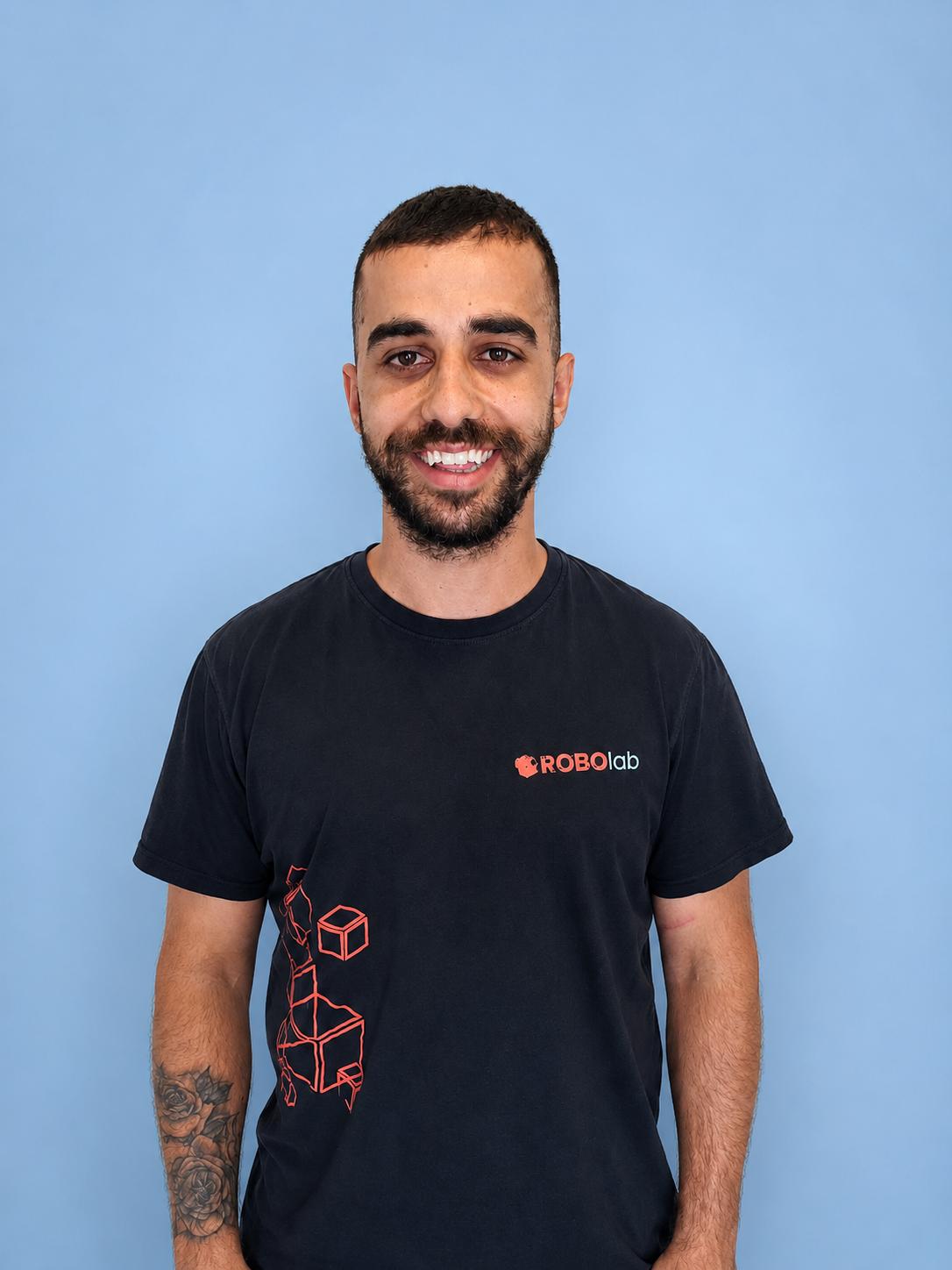
Tasos Stylianou
RoboLab teacher.
What families say about Roblox Game Development and Lua Programming
«Maxim no longer just plays Roblox — he creates his own levels. He explains to us how the scripts work.»
«The Roblox course gave Sofia confidence with real code — she now talks about Lua and game mechanics at home.»
«Nikos looks forward to every lesson. He has learnt to think like a creator, not just a player.»
Try Roblox Game Development and Lua Programming
Free and with no obligation: your child tries the course, the teacher assesses their level, and you receive a recommendation for their learning pathway.