Python Programming
From your first lines of code to your own games and applications
Students learn one of the most in-demand programming languages and gradually move from Python fundamentals to creating their own projects.
Why Python?
Python is one of the most popular and widely used programming languages today. Its syntax is relatively clear and concise, making it easier for beginners to focus on logic and algorithms than when starting with more complex languages such as C+ or C++.
Your child is learning not a narrowly specialised tool, but a real programming language they can go on to use in a wide range of fields.
Key information
What does programming give your child?
Algorithmic thinking
The ability to describe a sequence of steps or actions.
Logic
Understanding conditions, dependencies and cause-and-effect relationships.
Finding and fixing errors
Independently finding out why a program does not work and correcting the code.
Solving complex problems
Not being daunted by a large problem, but gradually building a solution from smaller parts.
Creating your own projects
Moving on from classroom exercises to creating your own games, programs and other working projects.
Understanding code
The ability to write a program and explain how the code works.
How Python learning is structured
Our course has three levels: the foundation level comes first and lasts one year; in the second and third years, students can choose how to continue learning Python—by creating games or desktop applications.
Python Level 1
The required foundation course.
Python PyGame
The recommended next step. Creating games makes it easier for children to learn more advanced Python constructs: they can see the result on screen straight away, which keeps them interested and motivates them to explore more complex code.
Python Tkinter
Moving on from games to creating your own practical software and interfaces.
PyGame and Tkinter are separate year-long courses taken after Python fundamentals. With sufficient preparation, your child can study both pathways at the same time—attending twice a week—or choose either one in any order.
Python Level 1 — programming fundamentals
Year one: from your first commands to your own project
Create programs in Python • perform mathematical calculations • use conditionals and loops • create a simple interactive chatbot • work with Turtle graphics • use functions • work with lists and random numbers • create programs with graphical input windows • find and fix errors • explain how their own code works.
Throughout the course, students complete practical exercises and create mini-projects.
Python PyGame — creating your own games
Deepen your Python knowledge through something children genuinely enjoy.
After the foundation course, programming becomes more challenging. Games help students progress to the next level without losing interest: they use Python constructs they already know to solve specific game-related problems and see the results of their work on screen straight away.
Create 2D games • work with sprites and the game window • program movement and controls • detect collisions between objects • use functions, lists and conditionals in a game • add coins, enemies, scores and lives • find and fix errors • bring their own game to a working, finished state.
At the end of the course, your child creates their own game.
Python Tkinter — creating your own applications
From classroom code to programs with their own interface
Tkinter reveals another side of Python: the language can be used not only for games and learning exercises, but also to create your own desktop applications with a fully fledged user interface.
Student competition entries from Hackathon 2026
Teachers

Anton Khozyashev
An IT teacher at RoboLab. He teaches Scratch, Roblox, Python, robotics and web development, helping children and teenagers learn about technology through projects and creative work.
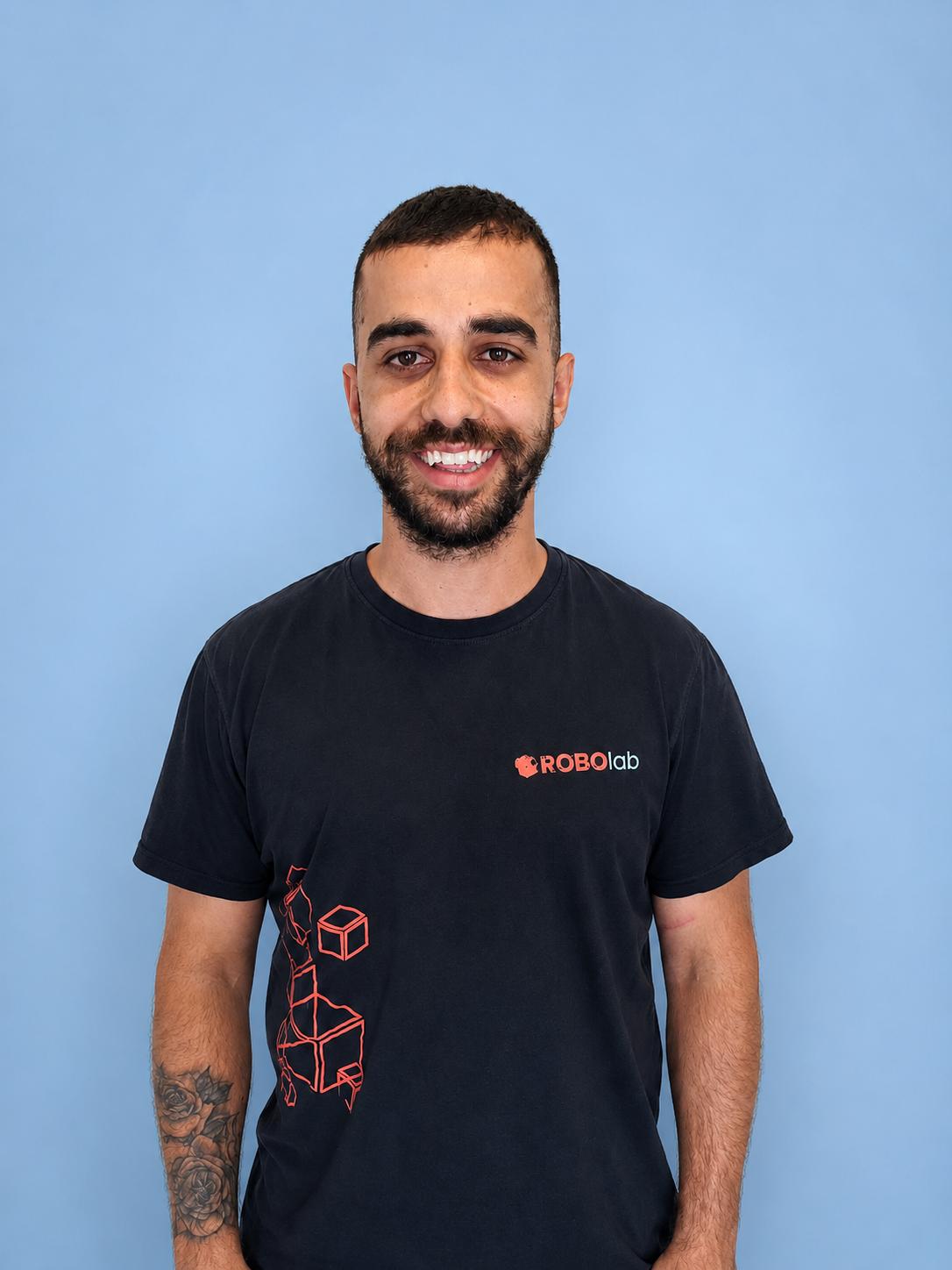
Tasos Stylianou
A teacher at RoboLab.
Try Python for yourself
Book a trial lesson for your child. The teacher will get to know them, assess their level and help choose the right learning pathway.