Graphic Design + AI
From pixel and vector graphics to level design, 2D animation and 3D modelling
A modern digital creativity course where children learn graphic design fundamentals, explore different areas of the digital industry and learn to use AI as a professional tool, not a substitute for their own knowledge.
8–12 years · 1 lesson per week · 36–38 lessons per year · Russian · Limassol
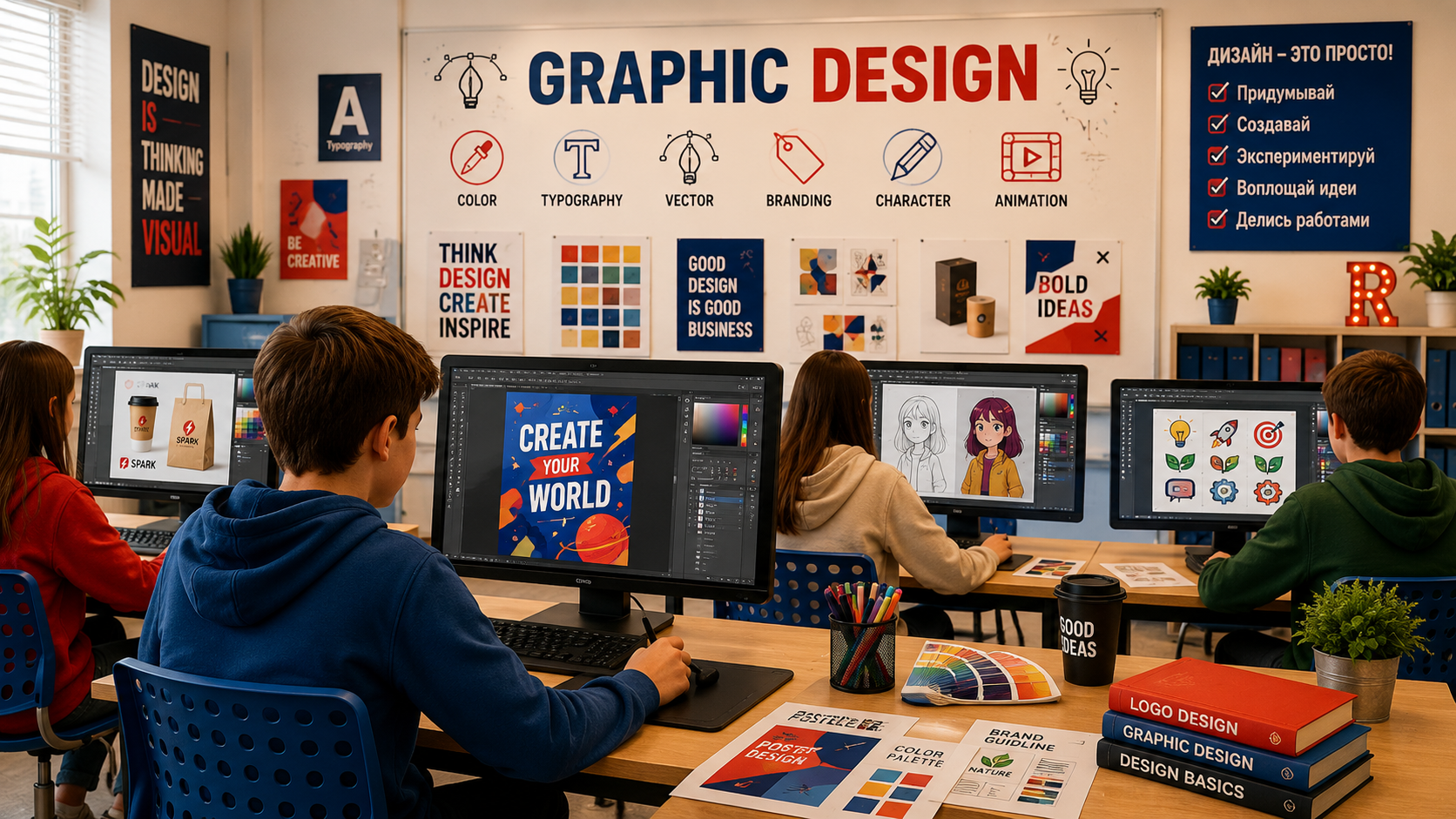
Learn to direct AI — before it learns to manage without you
AI can draw.
We teach children to develop ideas, choose, create and take responsibility for the result.
Today, AI really can do in seconds what once took a beginner designer hours. This has changed the way design is taught.
We do not teach children to compete with artificial intelligence on speed. We teach them to understand design and use AI to bring their own ideas to life.
To achieve a strong result, a child still needs to understand:
To direct AI effectively, you need to understand what it does.
Without the fundamentals, a child can only press Generate again.
With knowledge, they can shape the result.
AI becomes one of a designer's tools — alongside an image editor, drawing, typography, composition and their own imagination.
Children learn not just to produce attractive images, but to understand:
What the child does — and what AI does
The idea, concept, mood and visual approach.
Learns to explain precisely to AI what result is needed.
Compares options and distinguishes an effective solution from a merely attractive image.
Corrects, combines and refines the generated materials.
Decides for themselves what the final result should be.
- helps find visual ideas
- creates variations
- allows experimentation with styles
- helps produce source materials
- speeds up some technical tasks
- allows different visual ideas to be tested quickly
From a pixel to your own digital project
The course starts with the very basics. Children discover what a digital image is, what it consists of, how raster graphics differ from vector graphics and why designers use different tools for different tasks.
We gradually move from basic design principles to contemporary forms of digital creativity.
This is not a career ladder, but an introduction to different areas of digital design and creativity.
Course programme
Digital graphics fundamentals
Pixels · raster graphics · vector graphics · resolution · image formats · basic image editor tools
Design fundamentals
Composition · colour · light · form · visual hierarchy
Collage and working with images
Object selection · layers · masks · image editing · collage · retouching
AI for designers
Briefing AI · prompts · visual styles · generating variations · selection · analysis · refining the result
Typography
Fonts · font pairing · readability · text composition · text as part of design
Vector graphics
Shapes · paths · icons · simple illustrations · working with vector objects
Digital Art
Digital illustration · digital portraits · characters · working with style
Level Design
Fundamentals of building visual environments · spatial composition · creating game locations
2D animation
Fundamentals of movement · frames · sequences · frame-by-frame animation
First steps in 3D
Introduction to 3D space · simple 3D objects · form · volume · basic modelling
Over the year, children try different areas of digital design
At 10–13, there is no need to choose a future profession. It is far more important to try different areas and discover what genuinely interests them.
Graphic Designer
Composition, colour, typography, posters, collages and visual concepts.
AI Creator
Working with generative AI, styles, prompts, variations and thoughtful refinement of the result.
Digital Artist
Digital illustration and portraits.
Level Designer
Creating visual environments and game spaces.
2D Animator
Fundamentals of movement and frame-by-frame animation.
3D Artist
An introduction to 3D modelling and creating three-dimensional objects.
The aim is not to choose a profession at 10. It is to let children explore contemporary forms of digital creativity, build a solid foundation in design and learn to use AI thoughtfully.
More than exercises — a digital portfolio of their own
Throughout the course, children create a variety of pieces that gradually come together as their own digital portfolio.
Every piece starts with an idea and ends with a considered design decision.
What your child will learn
Understand the fundamentals of composition, colour, form and typography
Distinguish raster from vector graphics and choose the right tool
Develop their own visual concept rather than simply copy an existing example
Use AI to explore and realise ideas
Evaluate AI output and understand what needs changing and why
Work with image editors and refine images independently
Create digital illustrations, portraits and design projects
Try level design, 2D animation and 3D modelling
Collect their best work in a digital portfolio
Explain and defend their own visual decisions
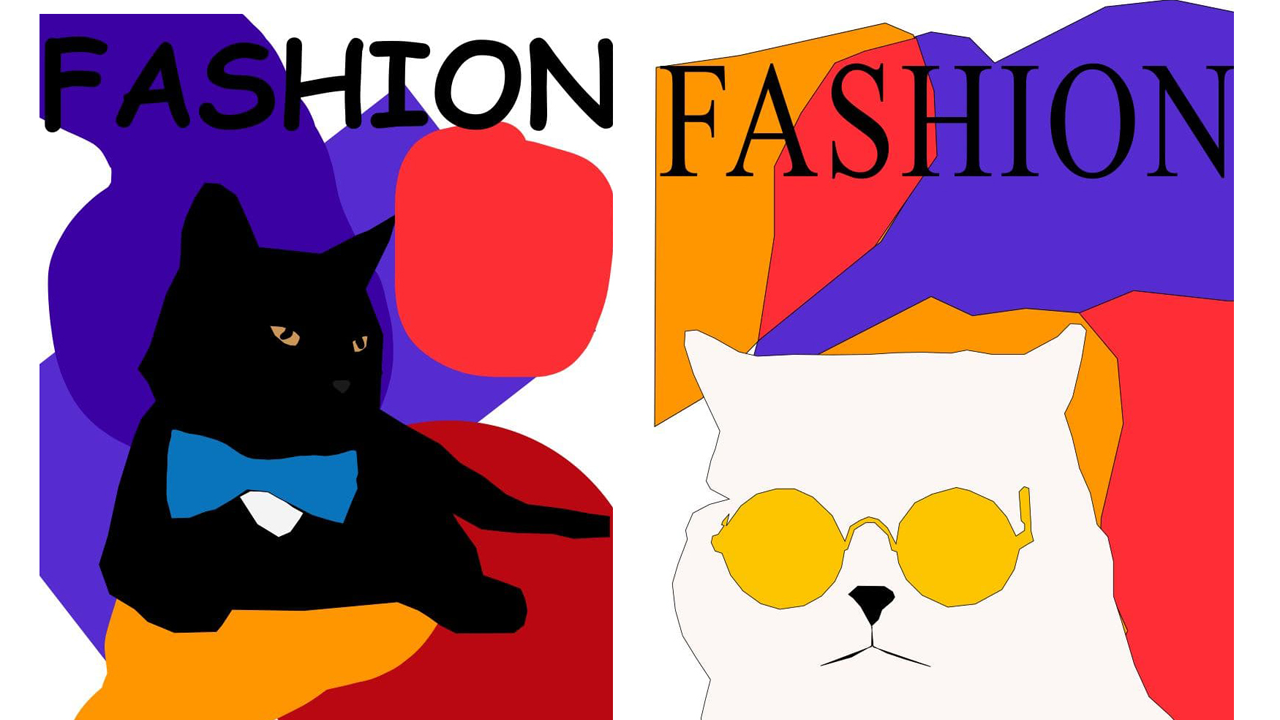
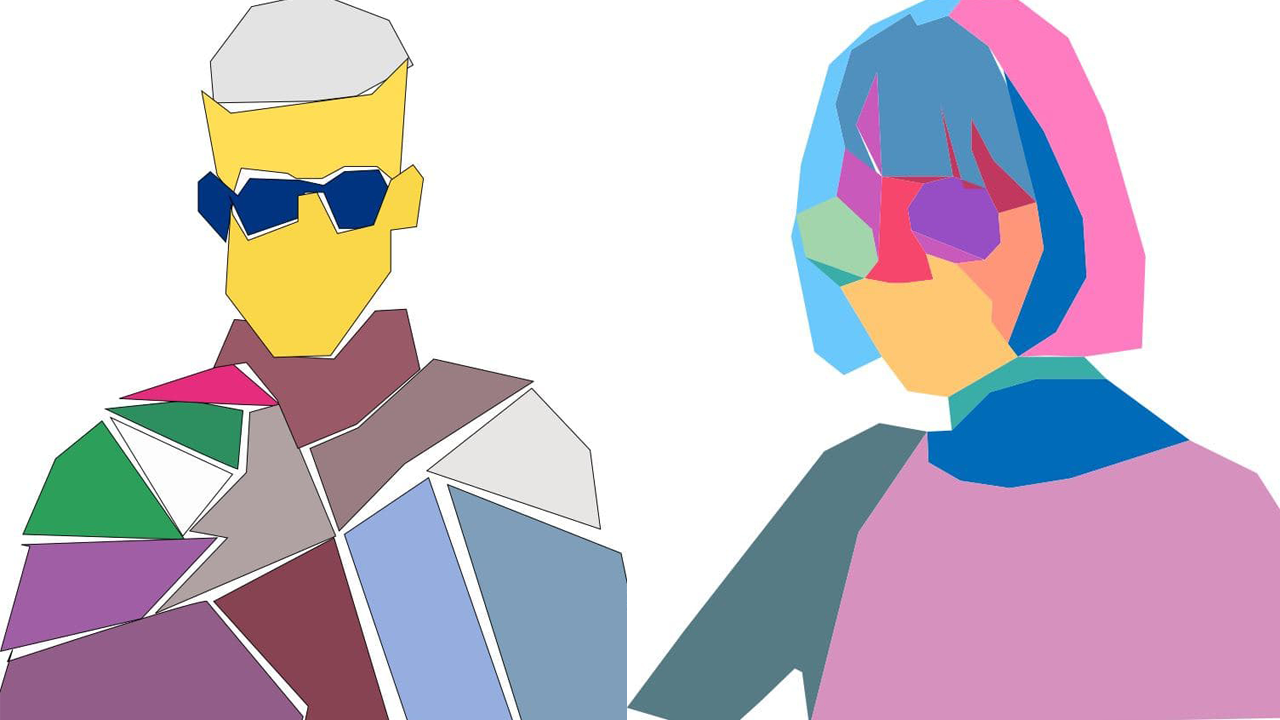
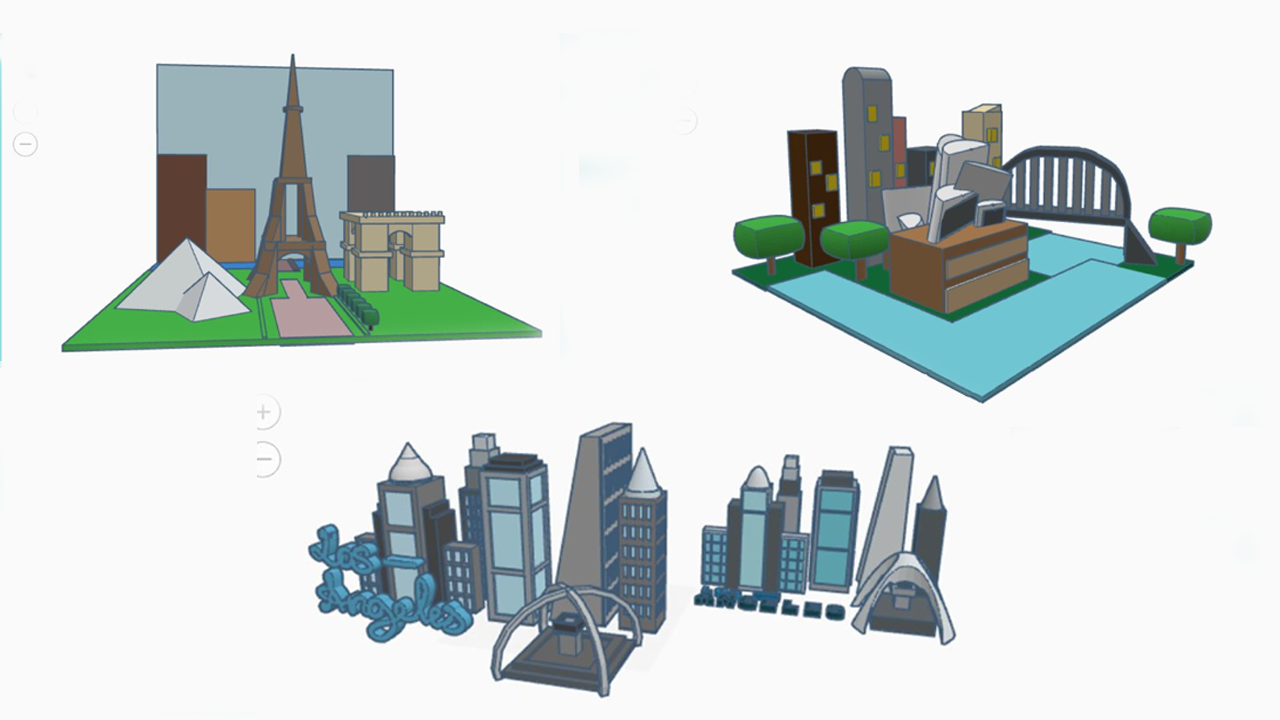
Student work
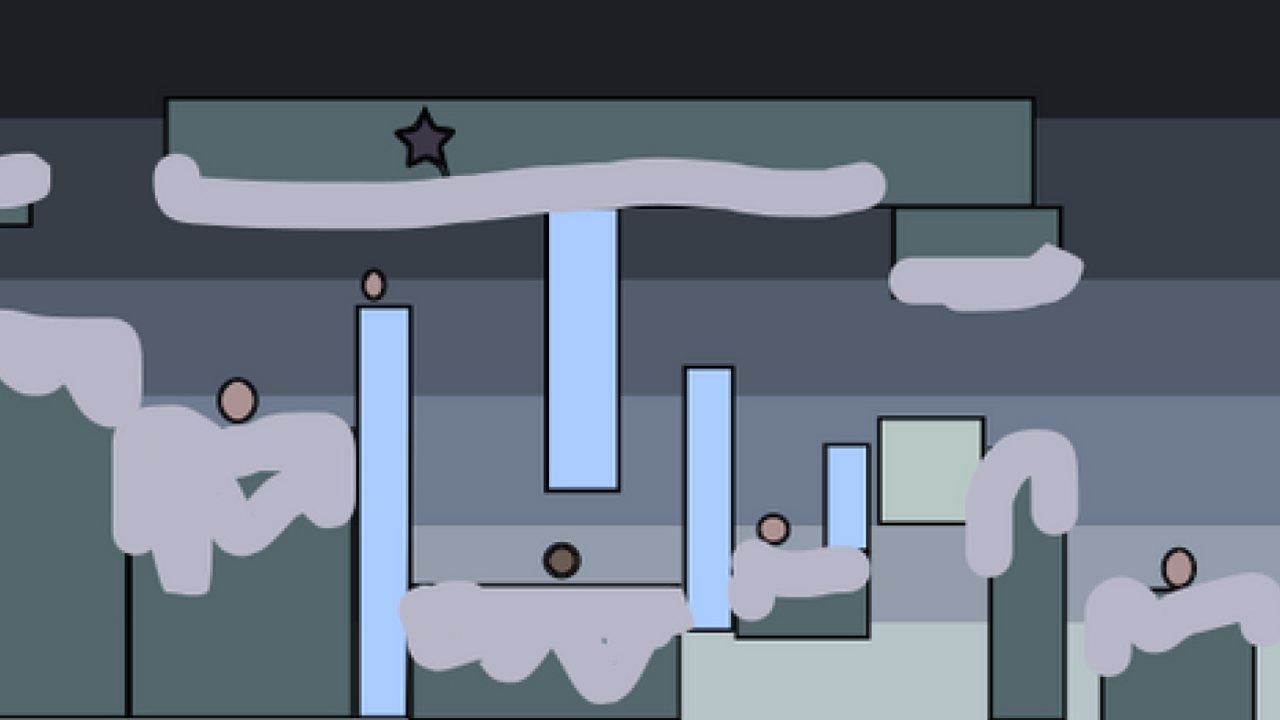
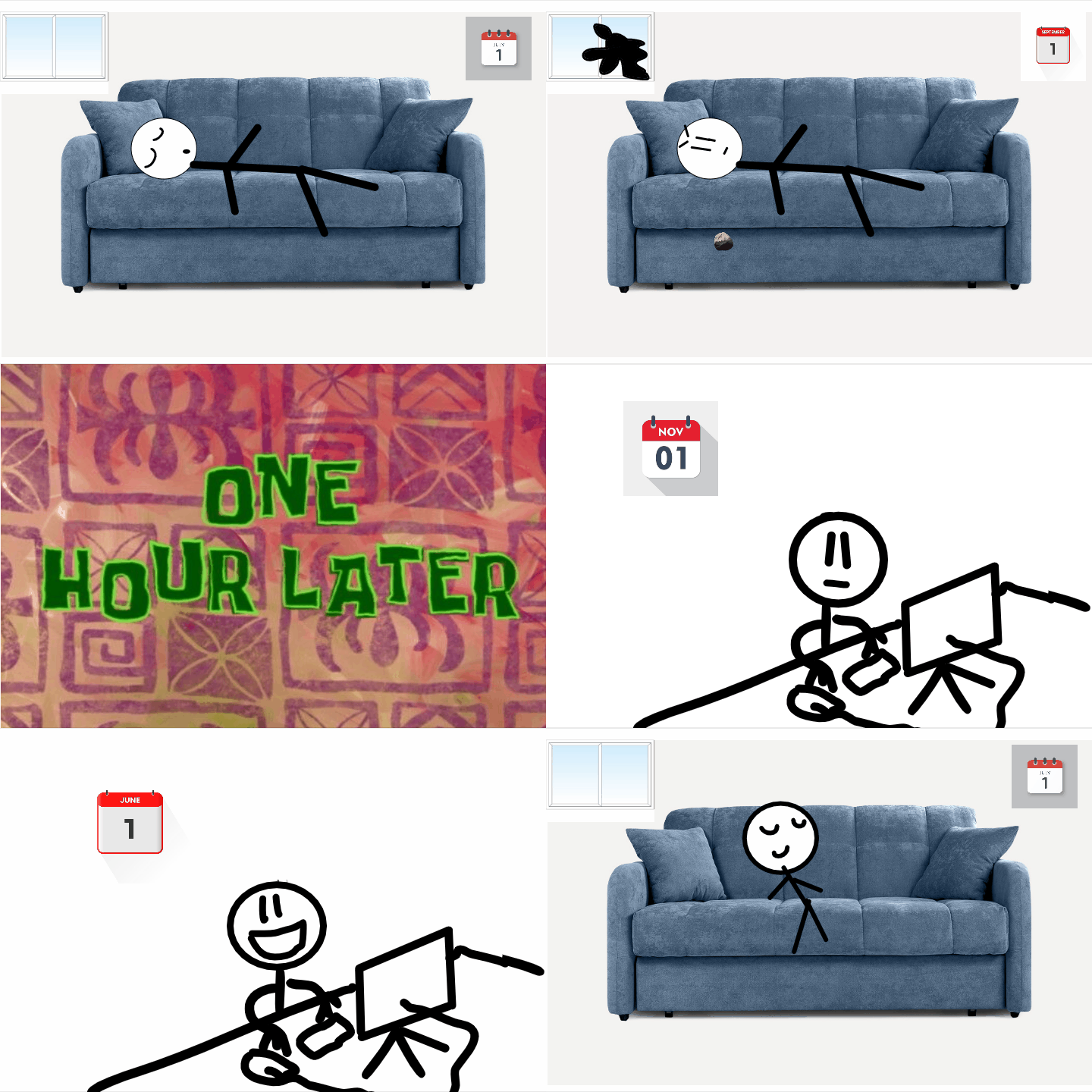
Projects created by students on the course will appear here.
Teacher

Ruslan Smirnov
Graduate of the school of the Faculty of Mechanics and Mathematics at Lomonosov Moscow State University. Teaching diploma from HSE University. Over 5 years of experience working with children in Australia, Serbia and Russia.
Try your hand at digital design
Graphic design today is about more than knowing how to use Photoshop or another editor. It is the ability to develop an idea, choose tools and turn it into a visual result — independently or with AI.
Book a free lesson10–13 years · once a week · Russian / English · Limassol