Can your child use a computer confidently?
Playing games, watching videos and chatting online do not necessarily mean being confident with a computer.
On this course, children learn to use computers and digital tools independently for learning, creativity and everyday life.
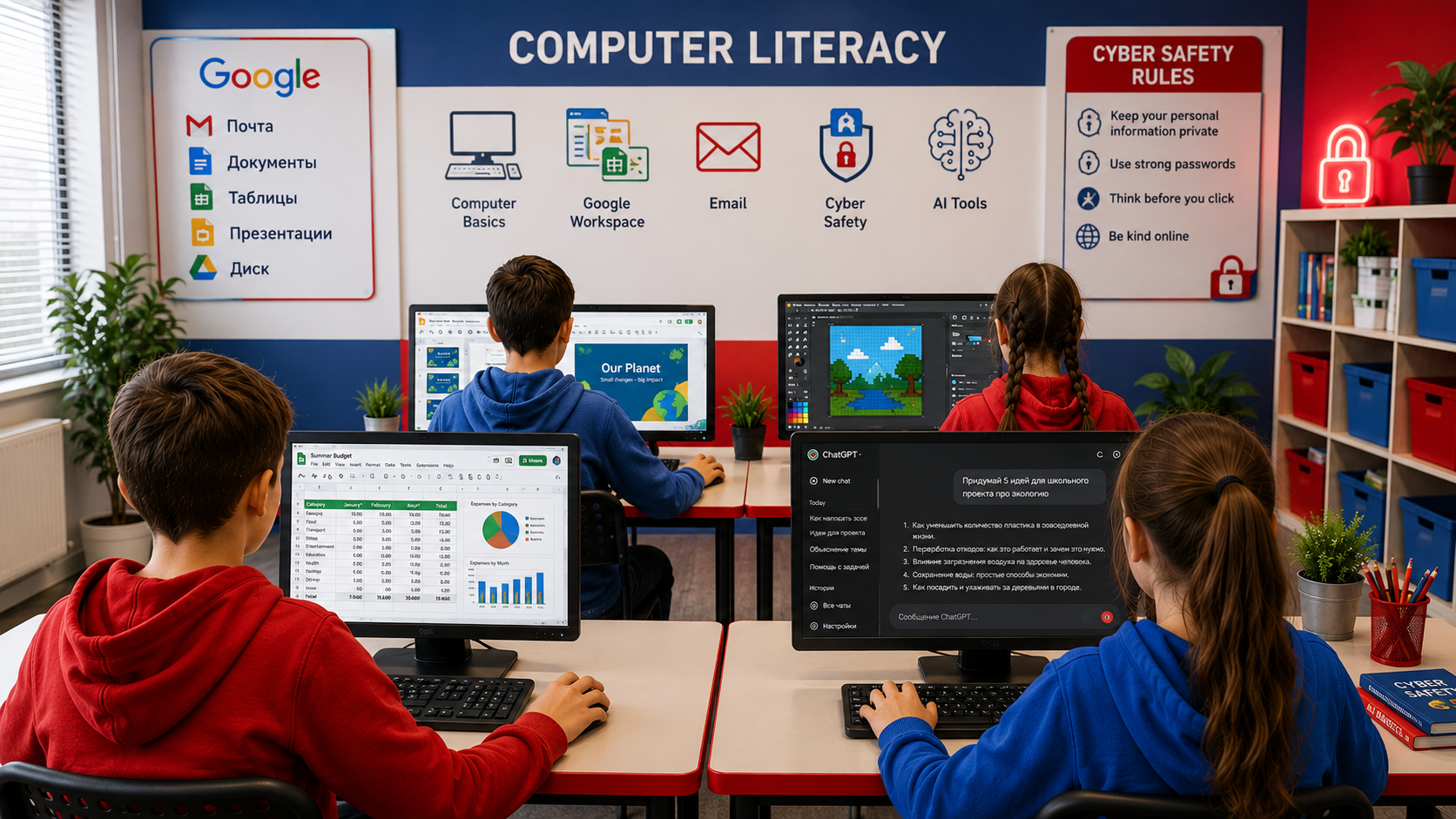
Using a computer ≠ working confidently with one
Children today quickly get to grips with games, YouTube and apps, but often struggle to find a downloaded file, create a folder, send a link, format a document, make a presentation or work out how to use a new digital tool.
7 digital skills for today's schoolchildren
Computers and files
- •files and folders
- •creating, saving, copying and moving files
- •uploading and downloading
- •cloud storage
- •file extensions and formats
- •how to choose the right program to open a file
The internet
- •searching for information
- •using a browser
- •tabs and links
- •evaluating sources
- •finding the information you need, not just the first result
Digital safety
- •personal data
- •secure passwords
- •protecting and recovering accounts
- •creating an account and signing in
- •suspicious links and websites
- •downloading files safely
- •file extensions and formats
Documents
- •creating and formatting text documents
- •fonts and text structure
- •tables
- •images
- •links
Presentations
- •presentation structure
- •slide design
- •working with text, images and video
- •preparing your own talk
Digital content
- •image editing
- •simple posters and collages
- •basic video and audio editing
- •titles, sound and visual design
AI tools
- •what AI tools are
- •how to write an effective prompt
- •generating text and images
- •checking information
- •why you should not blindly trust AI responses
- •using AI as a tool for learning and creativity
Using the internet safely
Rather than simply setting restrictions, we teach children to understand risks and make sound decisions independently.
Create, store securely and recover passwords.
Understand what information is safe to share and what is not.
Understand the difference between creating a new account and signing in to an existing one.
Set up a secure way to recover an account in advance.
Understand where a link leads before following it.
Recognise common file extensions and formats.
Avoid opening unknown or suspicious files and understand the risk of malware.
We do not just learn — we create
Children put every new tool into practice straight away. Rather than learning features in the abstract, they complete tasks and create small projects of their own.
Teacher

Anton Khozyashev
An IT teacher at RoboLab. He teaches Scratch, Roblox, Python, robotics and web development, helping children and teenagers explore technology through projects and creativity.
After the course, your child will be able to:
The main outcome is not knowing a particular program, but being digitally independent.
Help your child become a confident computer user
Join a trial lesson for Digital Technology Essentials — your child will try real digital tools and create their first piece of work.